
Free
฿0 / month
Typically 10 Mbps
Essential internet for email, chat and browsing.
- Private network for your unit
- Unique Wi-Fi password from your unit QR
- A few devices
- Same building SSID as Plus
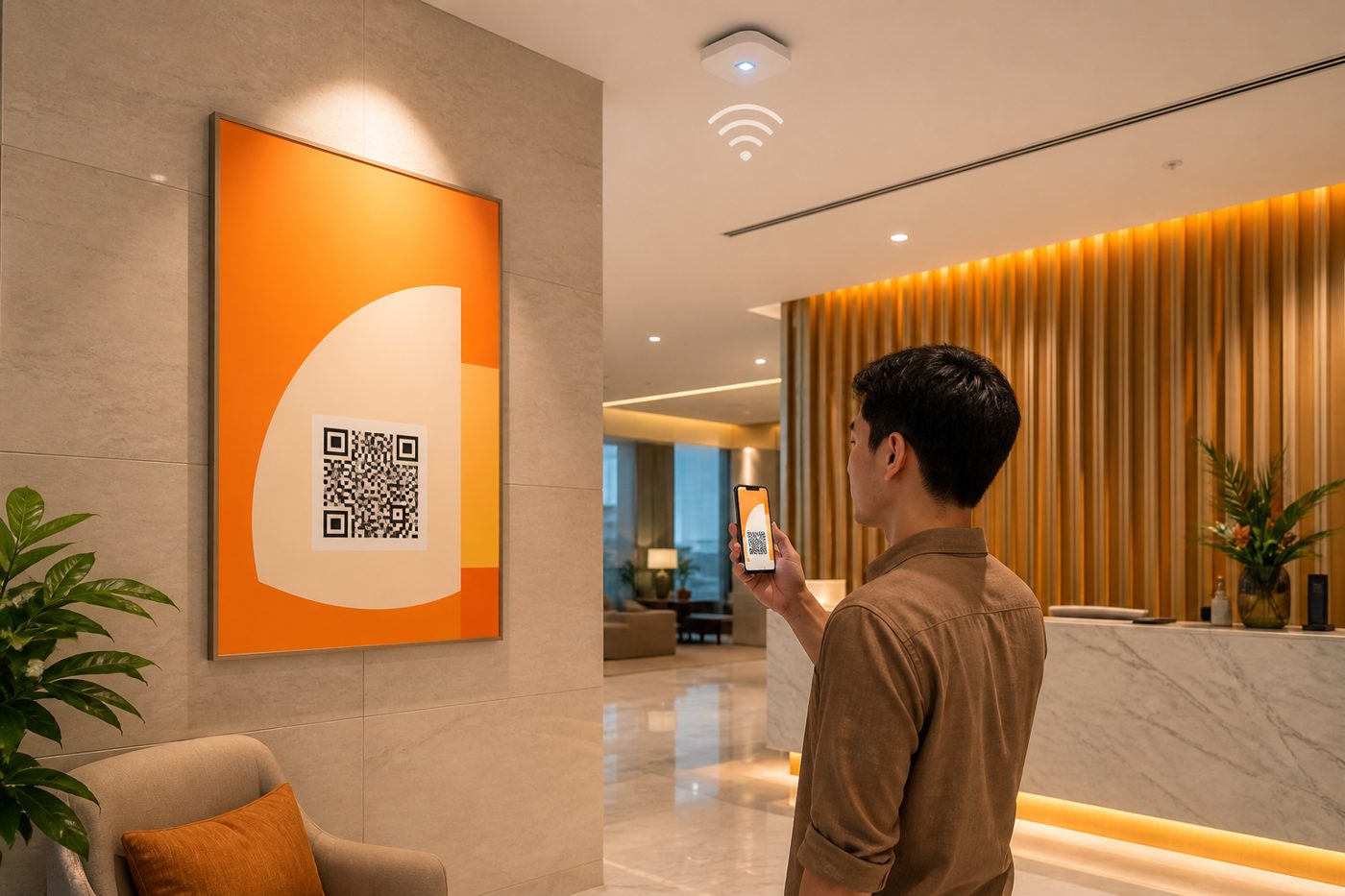
The tenant visits the juristic office to register. Staff take a phone number and send a link or QR — or print one. Scanning it opens the enrolment form and the tenant receives their unique Wi-Fi network password in seconds.

Issued by juristic, already linked to the condo
The tenant visits the office to register. Staff take a phone number and send a link or QR, or print it. Scanning it opens the enrolment form and the tenant receives their unique Wi-Fi network password in seconds.
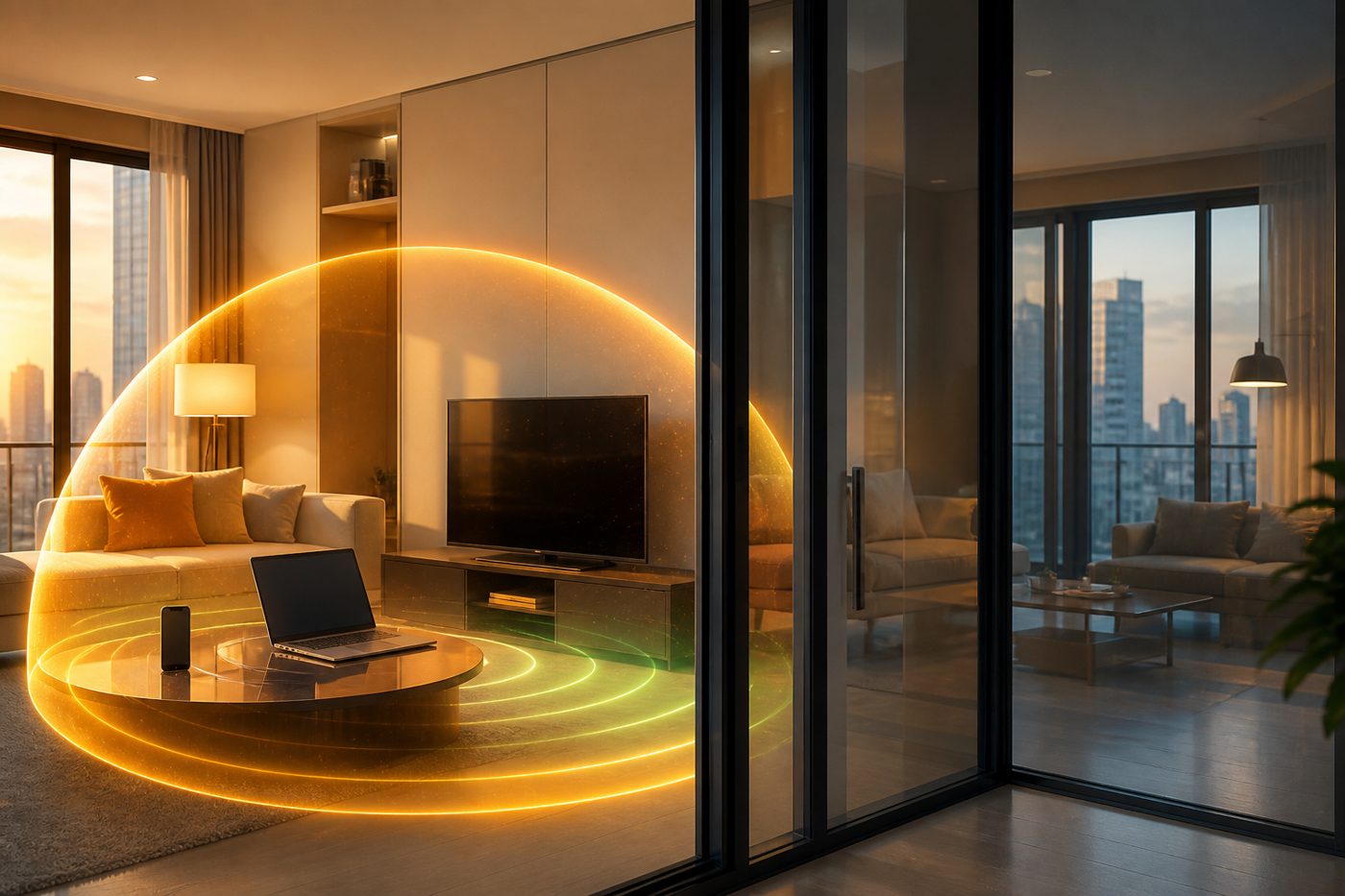
Every condo gets a private network on the same building Wi-Fi name. Free plan covers essential email and chat. Plus plan funds the equipment, installation and the ongoing maintenance that keeps it working.
Typically 10 Mbps
Essential internet for email, chat and browsing.
Up to 300 Mbps
Streaming, work, and the hardware the building needs to stay fast.
Juristic sets the Plus price for each building. ฿490 is a typical starting tariff. Both plans use the same SSID — neighbours still cannot see your devices.
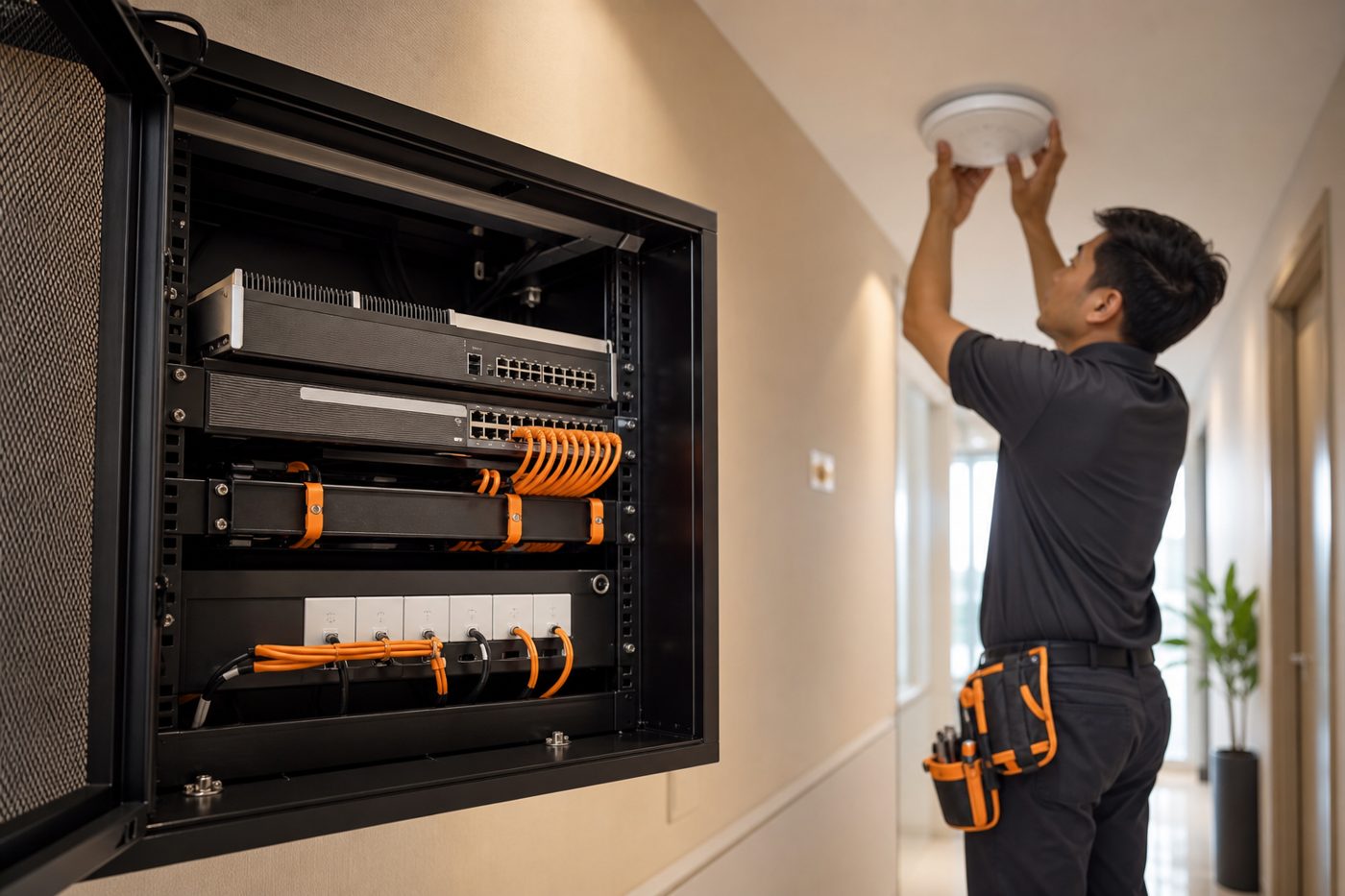
Slide buildings, floors and access points per floor. We count POW switchports, SG3428XMP switches — with spare ports for uplinks — a cloud controller per building, and the hardware cost.
Enrolment is issued at the desk. Each unit gets its own network. Juristic can move people out without touching the equipment.
The juristic office issues a link or printed QR already tied to the condo number. No public poster, and no typing a unit number.
One building SSID, a private network for each unit. Neighbours cannot see your phones, TVs or printers.
Move-outs, password resets and occupancy stay in the office — without logging into the MikroTik.